In Brief:
- Multi-factor authentication (MFA) adds a second layer of protection to your accounts besides your password.
- MFA requires users to verify their identity using two separate methods before gaining access.
- Even if someone steals your password, they can’t access your account without the second verification step. Never share your MFA code!
- INB makes it easy to set up MFA when you sign up for INB digital banking on your computer or INB app.
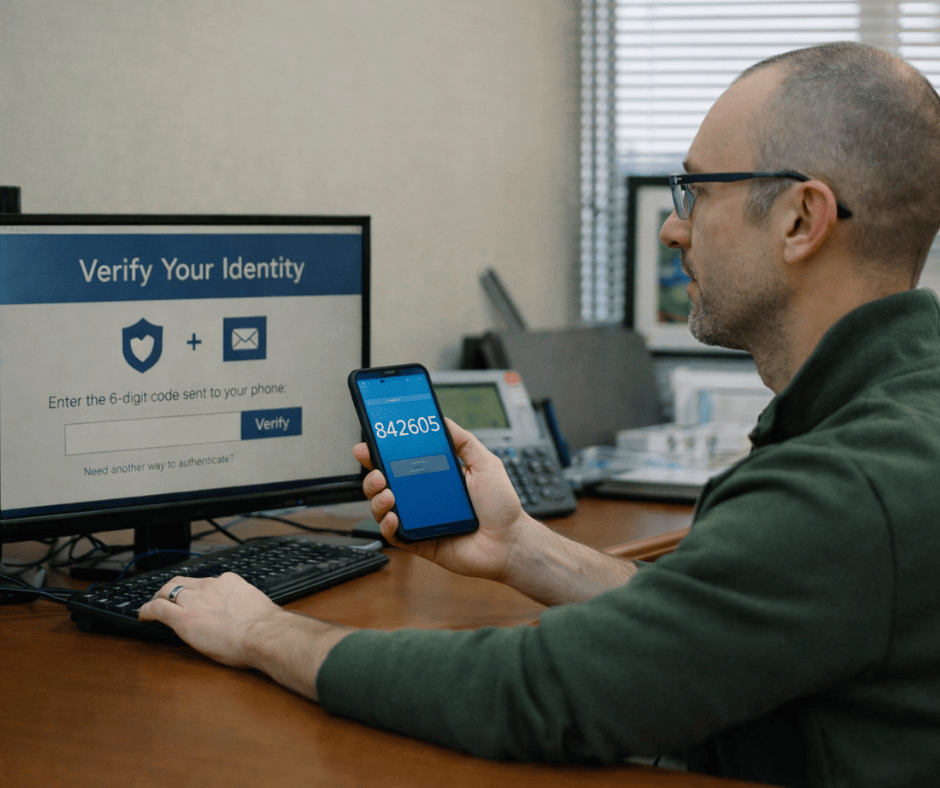
When you log in to your INB account via your digital banking app, do you get a one-time code via text or phone call to complete the login?
When this happens, you’re using a crucial security measure called Multi-Factor Authentication – maybe without even realizing it!
Multi-Factor Authentication, MFA for short, is also called Two-Factor Authentication, or 2FA. It’s an extra layer of security, designed to make sure that you’re the only one who can access your accounts – whether that’s your bank account, social media account or shopping account.
Turning on MFA is one of the easiest ways to protect your financial information.
How Multi-Factor Authentication Works
MFA requires users to verify their identity using two separate methods before gaining access.
Normally, logging into an account requires one factor, like a password or PIN.
Multi-Factor Authentication requires two different factors, typically:
- Something you know – a password or PIN
- Something you have – a one-time code sent to your phone, email, or authentication app
“So even if someone else knows your password, it’s extremely difficult to access your account,” says John Snelson, VP, Director of Information Security at INB.
That second step is what makes all the difference.
MFA really cuts down on the risk of unauthorized access, because hackers would need to steal both your password and your physical device. That’s why it’s important to never share the MFA code you receive with anyone else!
How to Set Up Multi-Factor Authentication
Setting up MFA with INB is an automatic part of setting up your digital banking account and only needs to be done once.
When you set up digital banking with INB either on your computer or INB app, you will be taken through prompts to choose how you want to receive your MFA verification code:
- Text message (SMS)
- Phone call
- Authentication app
Then each time you log in to your INB online banking account, you’ll be prompted to that extra verification step that you chose.
Never share your MFA code with anyone else!!
When it comes to other accounts you have – from Netflix to Facebook to American Airlines – not all MFA methods are exactly the same.
Other options you might see include:
- Text message codes: A one-time code sent to your phone
- Authentication apps: Apps that generate time-based codes
- Push notifications: A prompt sent to your device asking you to approve the login
- Email verification: A one-time code sent to your email address
Why Multi-Factor Authentication is So Important
Multi-Factor Authentication might feel like a minor inconvenience at first (ugh, another thing to do!), but it’s a crucial step in keeping your financial life secure.
“Passwords alone aren’t enough anymore,” John says. “Data breaches are happening regularly because many people’s passwords are easy to guess, reused across multiple sites, or stolen through phishing scams.”
The extra layer of protection from MFA helps safeguard not just your money, but also your personal and financial information.
Remember: Don't share your verification codes. A bank will never ask you to provide a one-time code over the phone or by email. If you receive an unexpected message asking you to "verify" your account, double-check before clicking anything.